Skip to content
Malibu Design - DTF Ready To Press
DTF FILM
What is Ready to Press?
It's a DTF transfer. You press it on.
1
Pick your size
Choose the print size that fits your garment.
2
We print & ship
We print it on DTF film and ship it to you fast.
3
Press & peel
Heat-press onto your own shirt, peel, and it's ready.
Your shirt is ready to wear
Apply in 3 steps
Heat press, EasyPress, iron
1
Preheat & place
Heat your press to 290–310°F (145–155°C) and position the film.
2
Press
High pressure → 10 sec
Medium pressure → 8–15 sec
3
Hot peel
Peel the film while still hot.

Malibu Design - DTF Ready To Press

$3.00 $6.00
Size
1
How it works
01Pick your size
02We print the DTF
03You press it on
Orders by 2 PM ship the same day · pickup ready
Ready-to-press DTF film · you press it on
Complete your order with Blanks
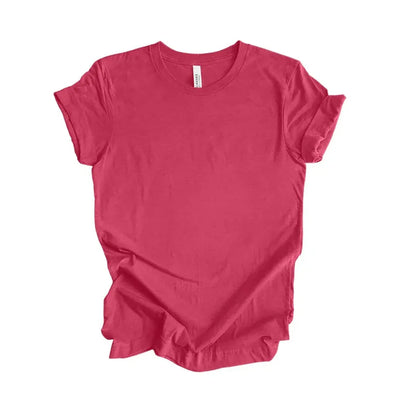
Bella+Canvas 3001 CV & CVC Bella+Canvas 3001 CV & CVC $4.90 View
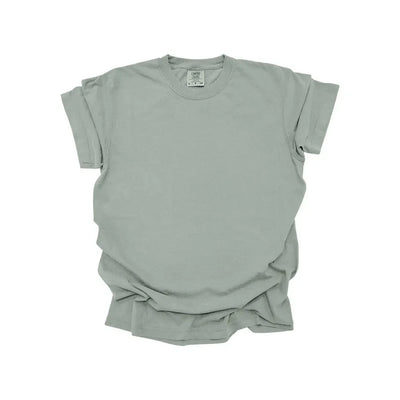
1717CL COMFORT COLORS 1717CL COMFORT COLORS $5.95 View
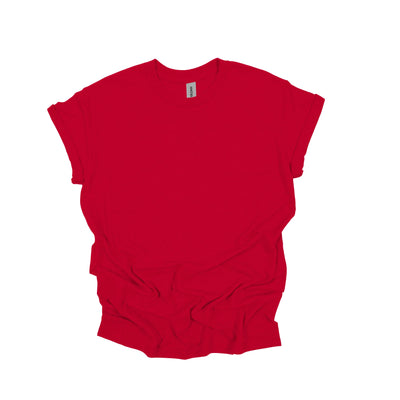
Gildan 5000 Heavy Cotton T-Shirt Gildan 5000 Heavy Cotton T-Shirt $2.60 View
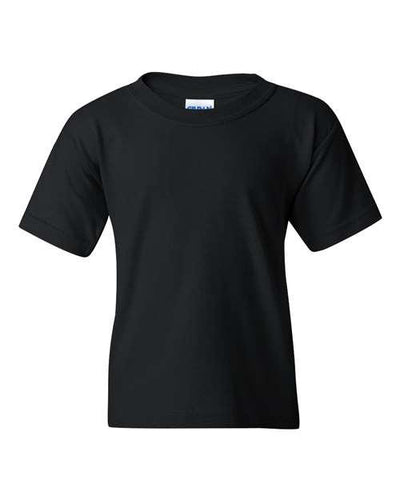
Gildan 5000B Heavy Cotton Youth Gildan 5000B Heavy Cotton Youth $2.60 View
Gildan 5400 Long Sleeve T-Shirt Gildan 5400 Long Sleeve T-Shirt $5.50 View
Description

Malibu Design - DTF Ready To Press

Transform your apparel effortlessly with our Malibu Design - DTF Ready To Press transfers. Designed for ease of use and outstanding results, these transfers will give your garments a unique and stylish look.

Key Features:

  • High-Quality Design: The Malibu Design offers a striking and fashionable graphic that will make any piece of clothing stand out.
  • Easy Application: Simply select the sizes you need and follow the straightforward instructions for a seamless transfer process.
  • Versatile Temperature Range: Operates efficiently at 280-300°F (155-160°C), ensuring compatibility with a variety of fabrics.
  • Quick Process: Takes only 9-13 seconds with medium pressure (6 KG) to achieve a perfect transfer.
  • Flexible Peeling Options: Whether you prefer cold peel or hot peel, this product caters to both for your convenience.

Application Instructions:

  1. Warm your heat press to 280-300°F (155-160°C).
  2. Apply medium pressure for 9-13 seconds (Pressure: 6 KG).
  3. Allow the transfer to cool for 10 seconds before peeling.
  4. Peel the transfer cold or hot, depending on your preference.

With the Malibu Design - DTF Ready To Press, you can achieve professional-quality results in just a few simple steps. Elevate your apparel today with this easy-to-use and visually stunning transfer!