Skip to content
Take Me To Nashville Music City Western Design - DTF Ready To Press
DTF FILM
What is Ready to Press?
It's a DTF transfer. You press it on.
1
Pick your size
Choose the print size that fits your garment.
2
We print & ship
We print it on DTF film and ship it to you fast.
3
Press & peel
Heat-press onto your own shirt, peel, and it's ready.
Your shirt is ready to wear
Apply in 3 steps
Heat press, EasyPress, iron
1
Preheat & place
Heat your press to 290–310°F (145–155°C) and position the film.
2
Press
High pressure → 10 sec
Medium pressure → 8–15 sec
3
Hot peel
Peel the film while still hot.

Take Me To Nashville Music City Western Design - DTF Ready To Press

$3.00 $6.00
Size
1
How it works
01Pick your size
02We print the DTF
03You press it on
Orders by 2 PM ship the same day · pickup ready
Ready-to-press DTF film · you press it on
Complete your order with Blanks
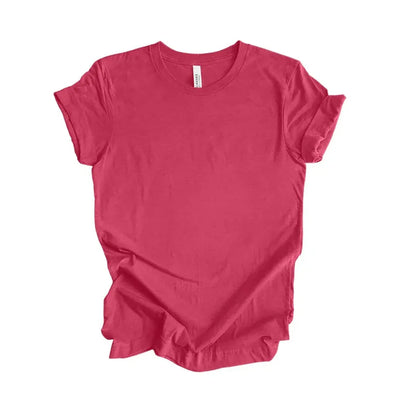
Bella+Canvas 3001 CV & CVC Bella+Canvas 3001 CV & CVC $4.90 View
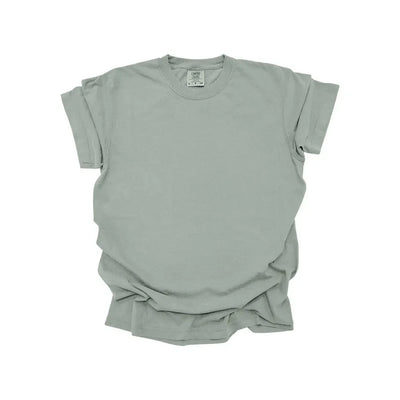
1717CL COMFORT COLORS 1717CL COMFORT COLORS $5.95 View
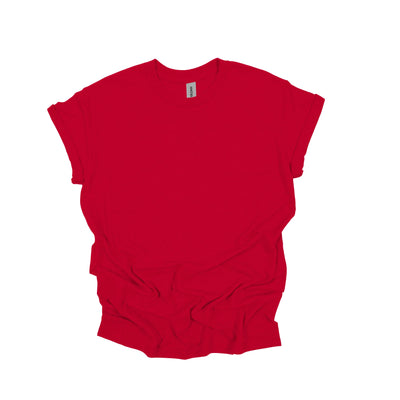
Gildan 5000 Heavy Cotton T-Shirt Gildan 5000 Heavy Cotton T-Shirt $2.60 View
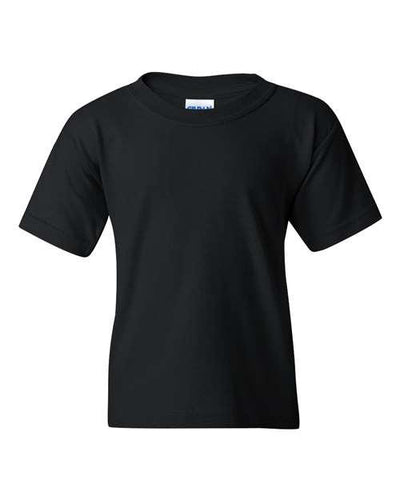
Gildan 5000B Heavy Cotton Youth Gildan 5000B Heavy Cotton Youth $2.60 View
Gildan 5400 Long Sleeve T-Shirt Gildan 5400 Long Sleeve T-Shirt $5.50 View
Description

Take Me To Nashville Music City Western Design - DTF Ready To Press

Embrace the spirit of Nashville, the heart of country music, with our "Take Me To Nashville Music City Western Design" DTF Ready To Press transfers. Perfect for crafters and DIY enthusiasts, this design brings the charm and energy of Music City right to your apparel or fabric projects.

Key Features:

  • High-Quality Design: Show off your love for Nashville with a beautifully crafted, Western-inspired design that stands out.
  • Easy to Apply: No more complicated processes! Our DTF (Direct to Film) transfers are straightforward and user-friendly.
  • Multiple Sizes: Choose the sizes you need to fit various apparel or fabric projects.

Application Instructions:

  1. Heat Press Settings: Warm your heat press to 280-300°F (155-160°C).
  2. Apply Pressure: Use medium pressure for 9-13 seconds. Ideal pressure is 6 KG.
  3. Cooling Time: Allow 10 seconds to cool before peeling.
  4. Peeling Options: Can be peeled cold or hot, providing flexibility in your application process.

Get ready to create stunning, Nashville-themed apparel with ease. Whether you're making a gift or crafting for yourself, this DTF Ready To Press transfer will make your projects shine!